|
|
| Home | Products | Purchase | Change log & Road map | Gallery | Support | Download | Contact | 中文 |
Home > FAQs
Table of Contents 1. Why I get the dialog 'CreateProcess failed'? 2.How to run RhinoResurf command in evaluation version? 3.How to register RhinoResurf?
|
How to get your fingeprint code for RhinoResurf(32-bit and 64-bit) key generation?
For RhinoResurf for Rhino 4.0 and Rhino 5.0 (32-bit)
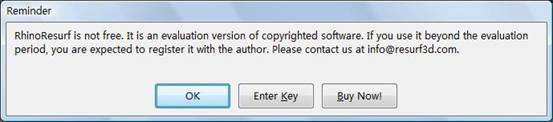
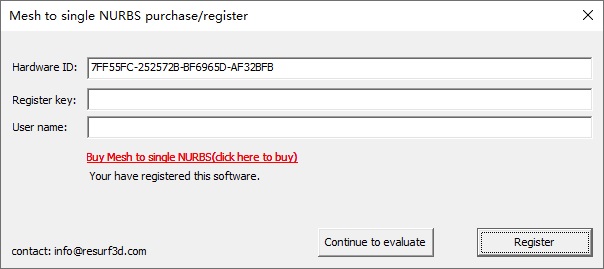
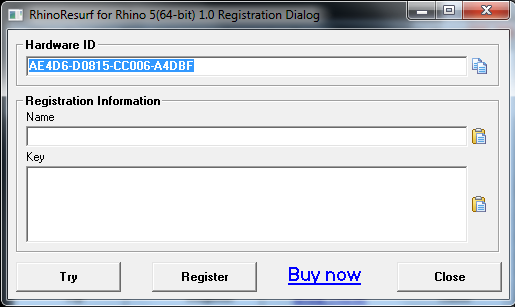
Click Enter Key button, you will see another dialog:
Please send your Hardware fingerprint and your Name to info@resurf3d.com , then we will create the key and send it back to you.
Please send your Hardware ID and your Register Name to info@resurf3d.com , then we will create the key and send it back to you.
|
Copyright (C) 2007-2012 RESURF All Rights Reserved. Privacy Statement |