 NiRen(OBJ mesh to solid) NiRen(OBJ mesh to solid)
NiRen is a stand-alone application for Windows.
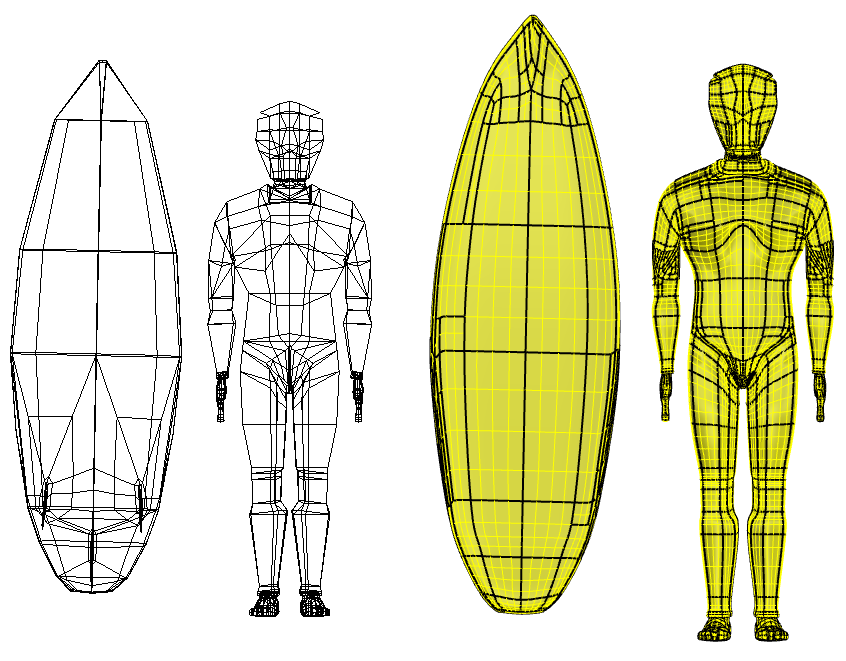
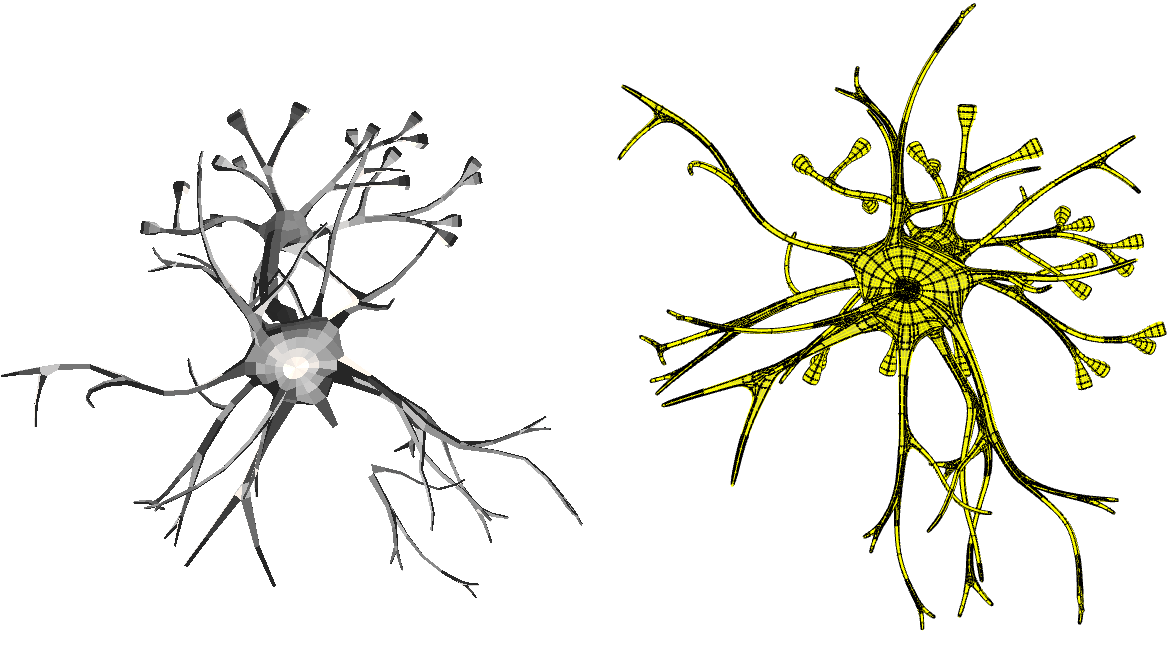
This software can let user import OBJ polygon mesh, create NURB surafce from the mesh and morph the surface by editting mesh. The feature includes:
1. Import polygon mesh file formatted by .obj;
2. Create NURBS surfaces from the polygon mesh, the NURBS surfaces are watertight and exact G1 transition;
3. Morphing the NURBS surfaces by editting polygon mesh;
4. Export the surface to .igs file;
NiRen is easy to use. Just click one button to create NURBS surfaces from mesh polygon mesh automatically, then you can morph the geometry by your idea.
Note:
Please read the License Agreement before using the software.
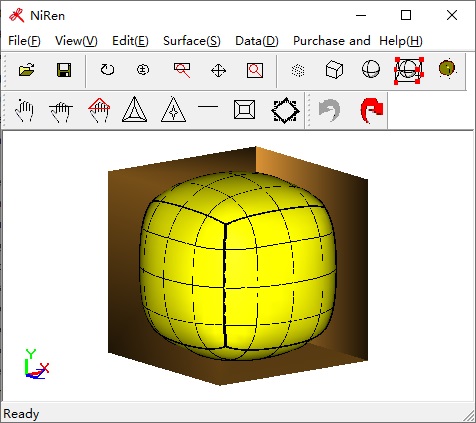
----The Graphic user interface of NiRen :
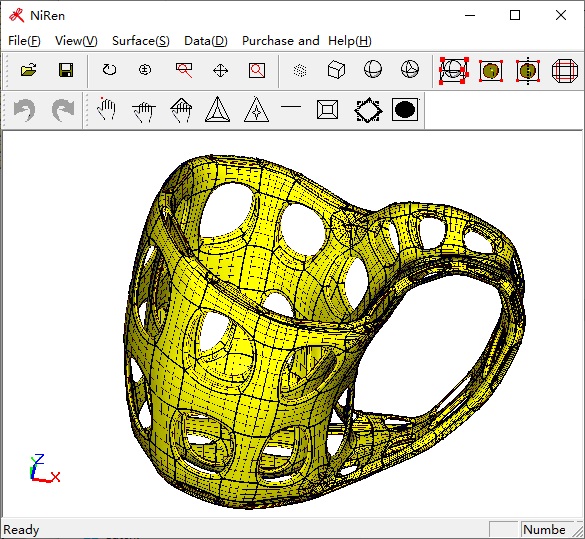
----Description of button of NiRen :
 -- Create NURB surface from a cube -- Create NURB surface from a cube
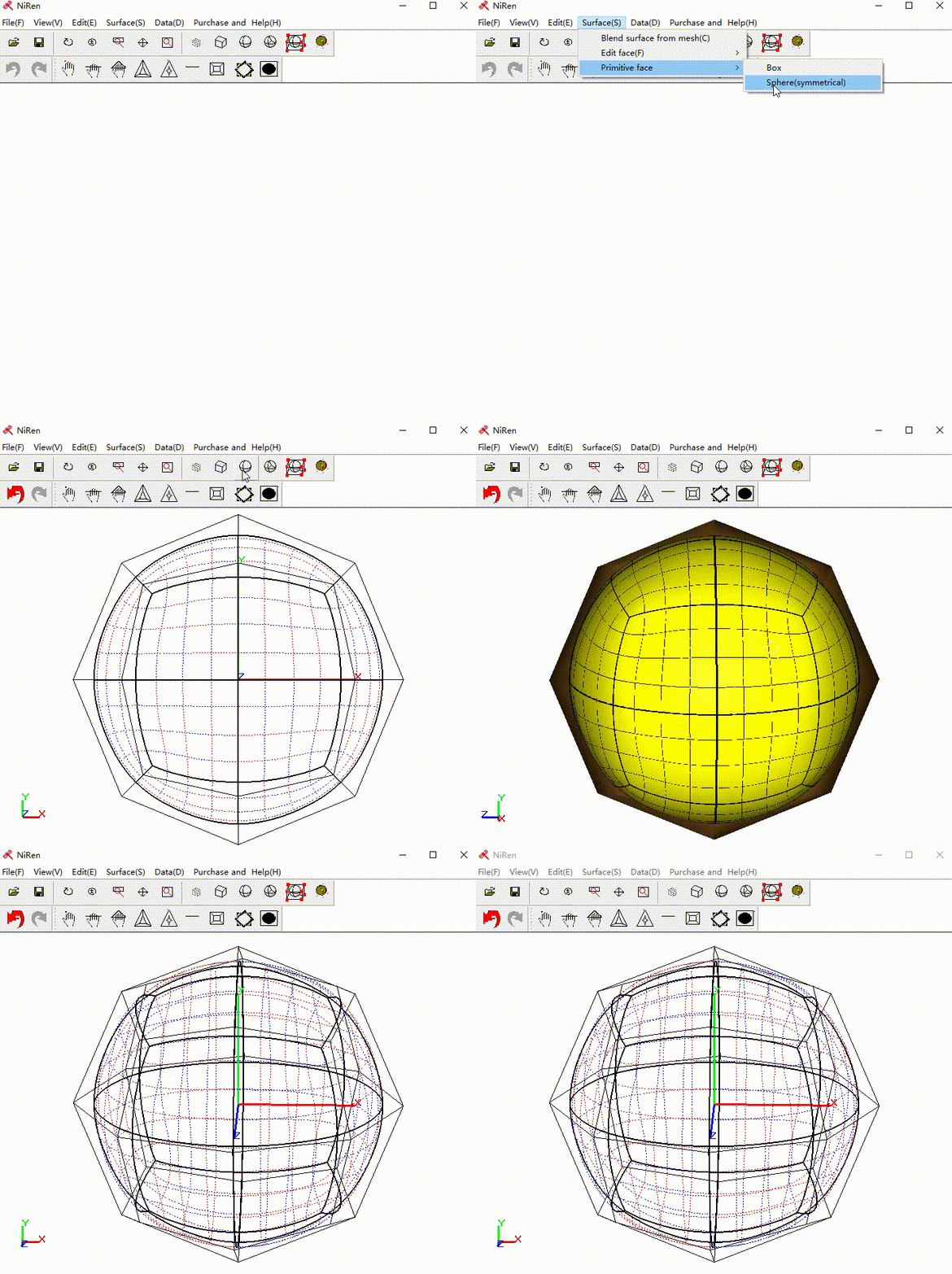
 -- Create symmetric sphere -- Create symmetric sphere
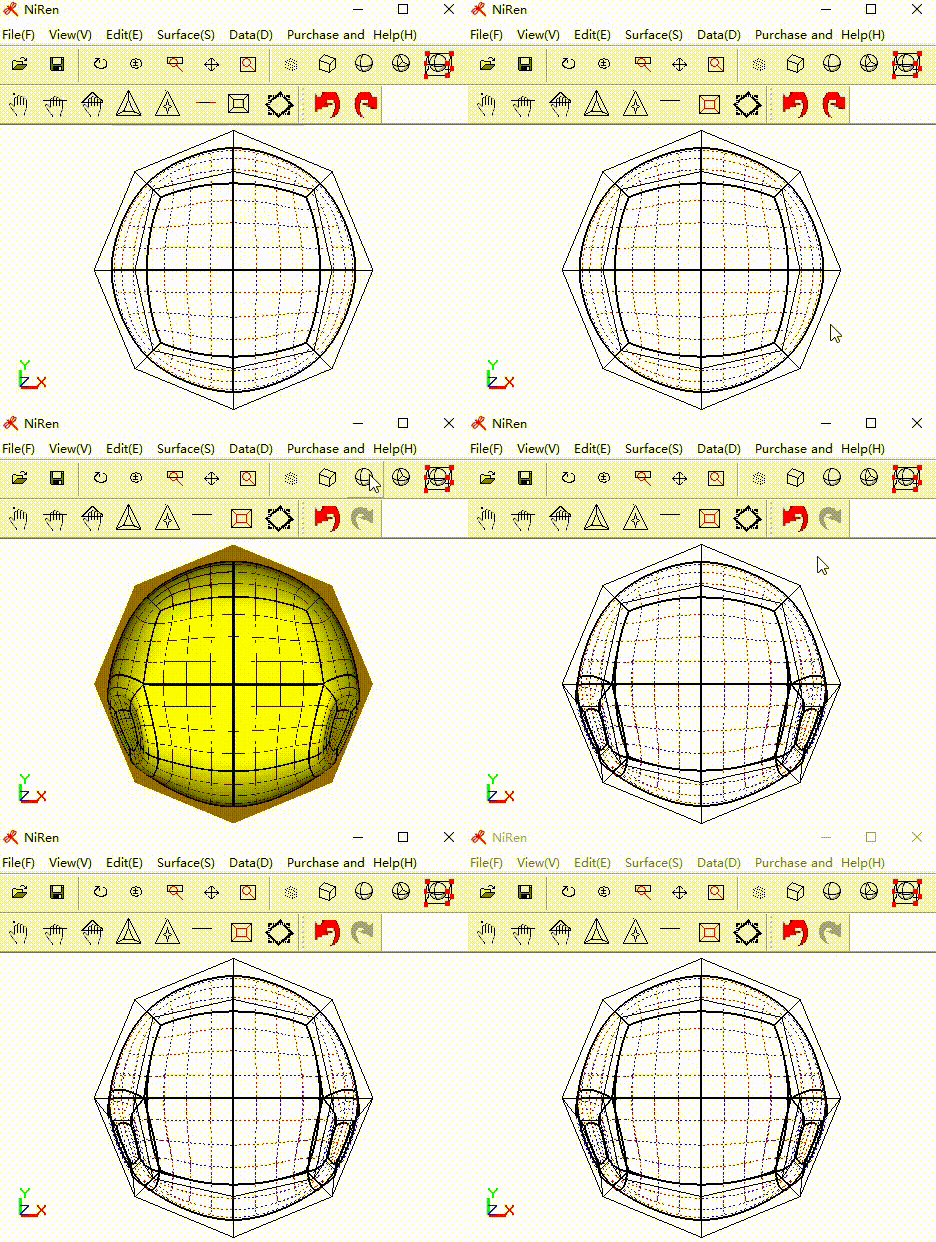
 -- create tunnel by picking a mesh face -- create tunnel by picking a mesh face

 -- subdivide mesh face to create new surface in the gometry model -- subdivide mesh face to create new surface in the gometry model
(symmetric)
 -- move mesh vertex to morph NURB surface -- move mesh vertex to morph NURB surface
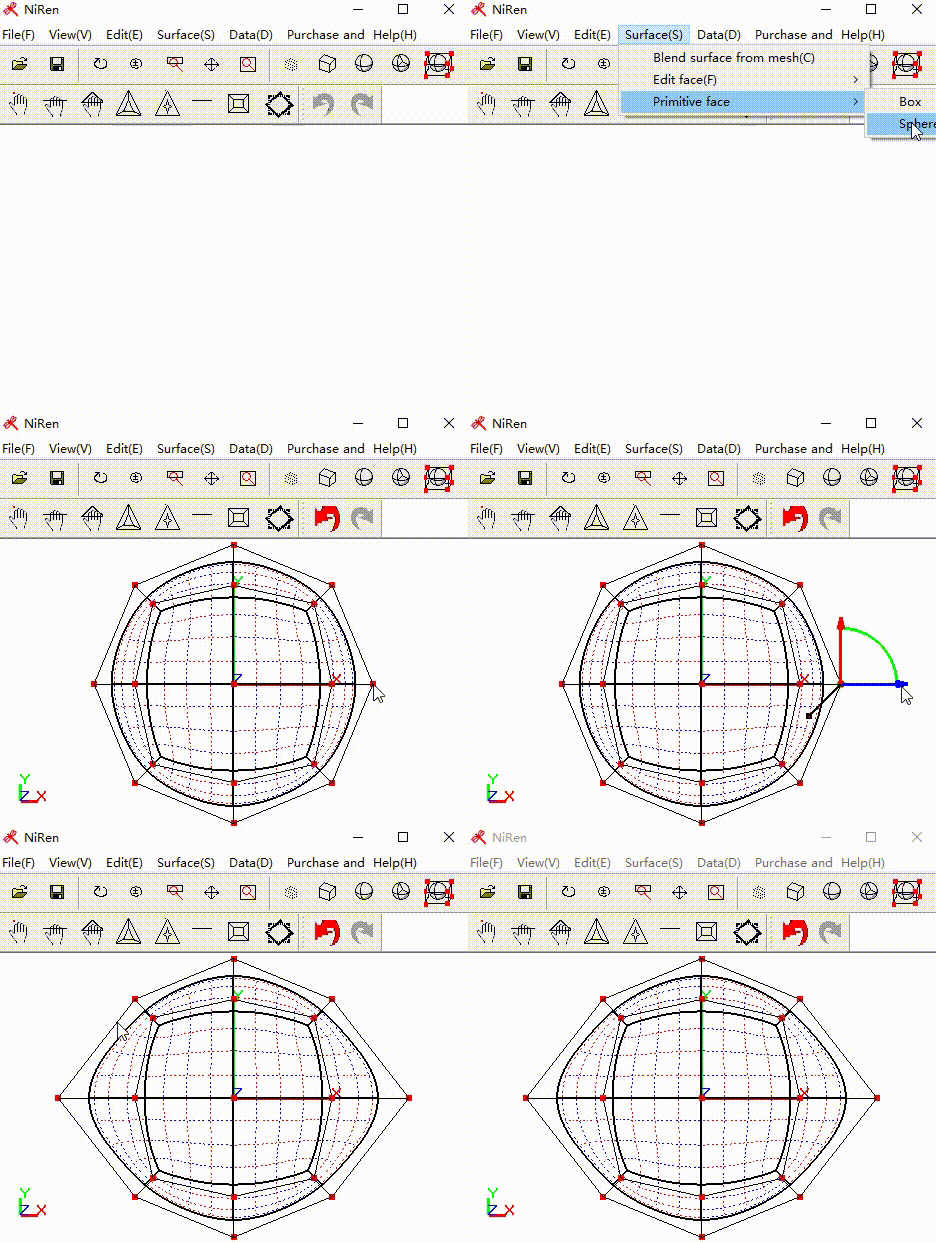
(for symmetric model)
 -- move mesh edge to morph NURB surface -- move mesh edge to morph NURB surface
(for symmetric model)
 -- move mesh face to morph NURB surface -- move mesh face to morph NURB surface
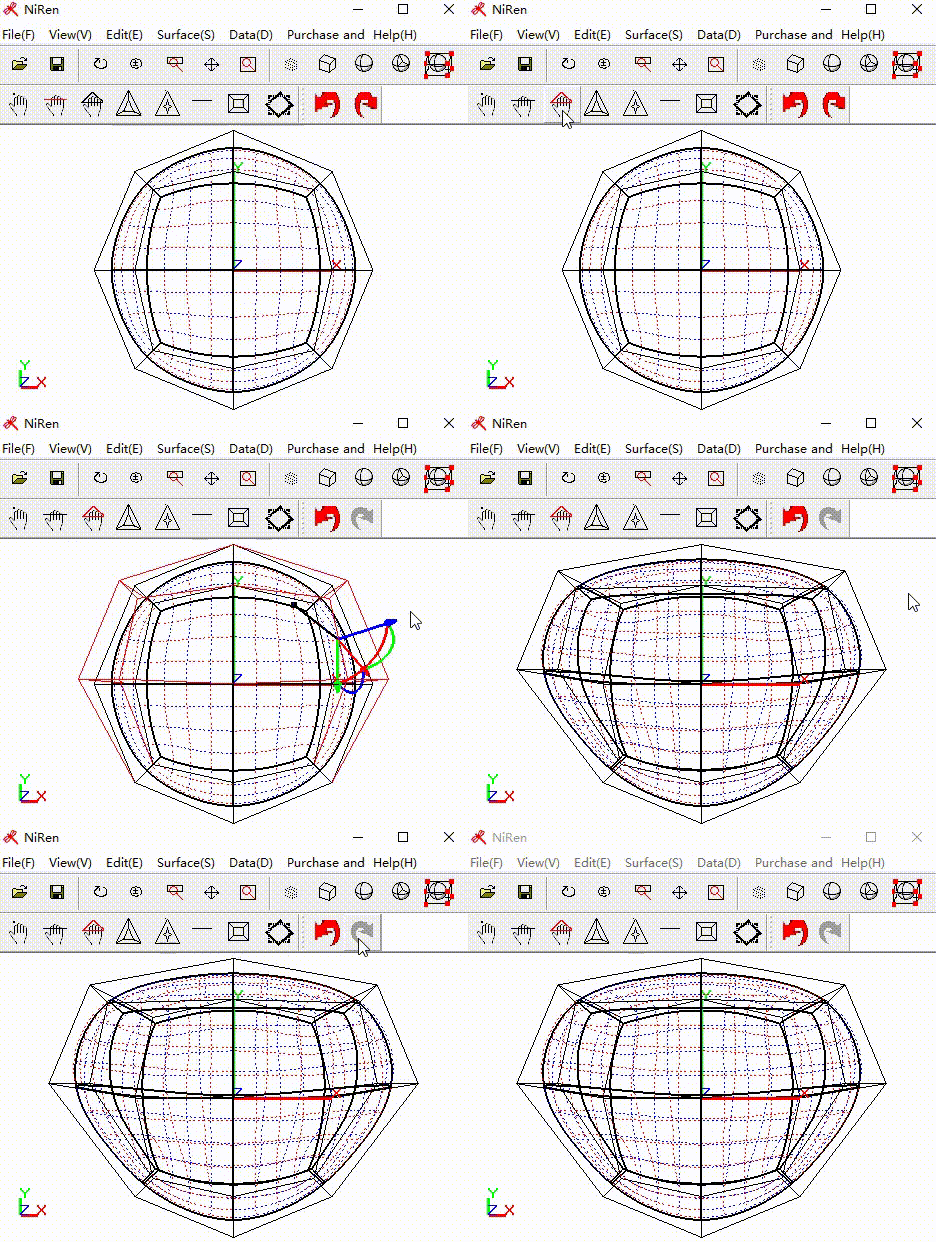
(for symmetric model)
 -- bridge mesh face to create pipe surface -- bridge mesh face to create pipe surface

 -- undo operation -- undo operation
 -- redo operation -- redo operation

 -- Create NURB surface from mesh edge -- Create NURB surface from mesh edge
 -- Create NURB surface from polygon mesh -- Create NURB surface from polygon mesh
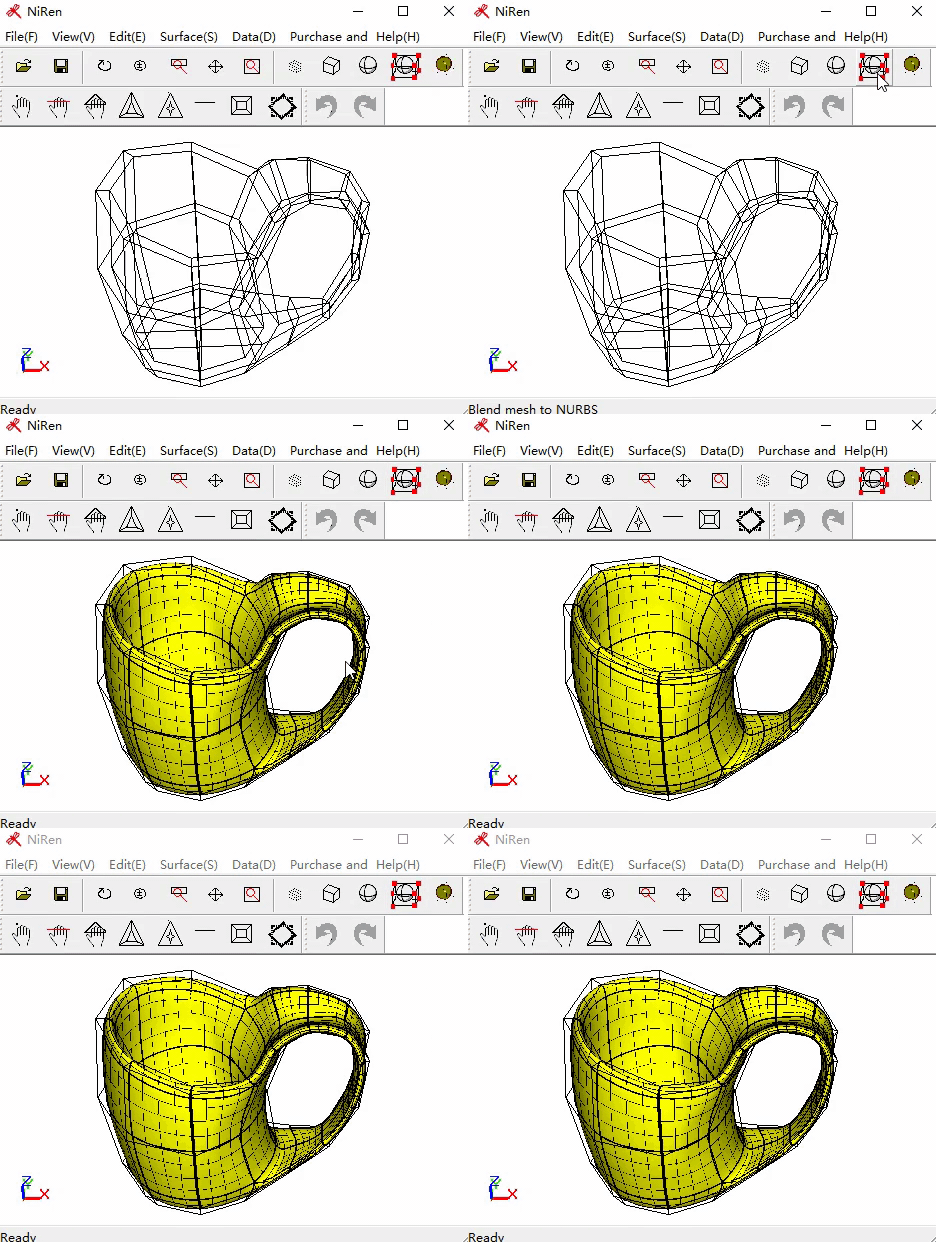
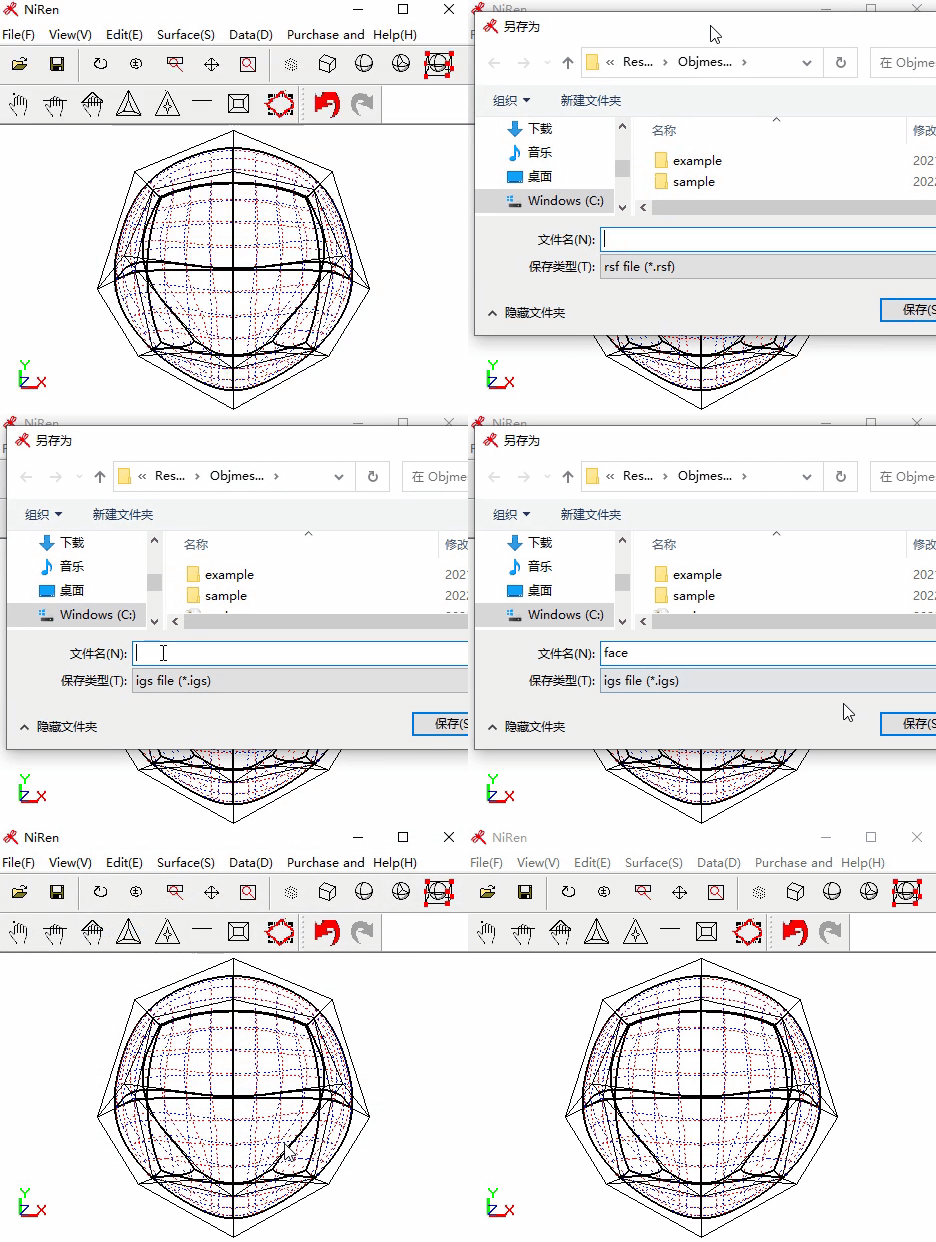
-- export NURBS surface to .iges file format
|